Passkeys Vs Passwords: Which Is Better for Your Microsoft 365 Security in 2026?

Let's be honest: passwords are a mess. Your team reuses them, forgets them, and scribbles them on Post-it notes stuck to monitors. And if you think that's just a harmless inconvenience, think again. Microsoft is now blocking 7,000 password attacks per second: that's more than double what they were seeing in 2023. The bad guys aren't slowing down. They're getting smarter, faster, and hungrier.
But here's the good news: passwords are on their way out. And what's replacing them is so much better that it feels like we're finally entering the future we were promised.
Enter passkeys: a technology that's faster, safer, and so simple your least tech-savvy employee will actually use it. Microsoft has already made them the default for all new accounts, and they're registering nearly a million passkeys every single day. So if you're still relying on passwords alone to protect your Microsoft 365 environment, you're not just behind the curve: you're leaving the door wide open.
Why Passwords Are Officially Dead (Microsoft Said So)
Microsoft didn't just wake up one day and decide to kill passwords for fun. They did it because passwords have become a liability. With mandatory multi-factor authentication (MFA) rolling out across Microsoft 365 in early 2026, the tech giant is basically saying: "We're done pretending passwords alone can keep you safe."
And they're right. Traditional passwords: even strong ones: can be phished, stolen, or cracked. Two-factor authentication using SMS or authenticator apps? Better, but still vulnerable to sophisticated phishing attacks. Hackers have gotten so good at mimicking login pages that even careful users can be fooled.
That's where passkeys change the game.
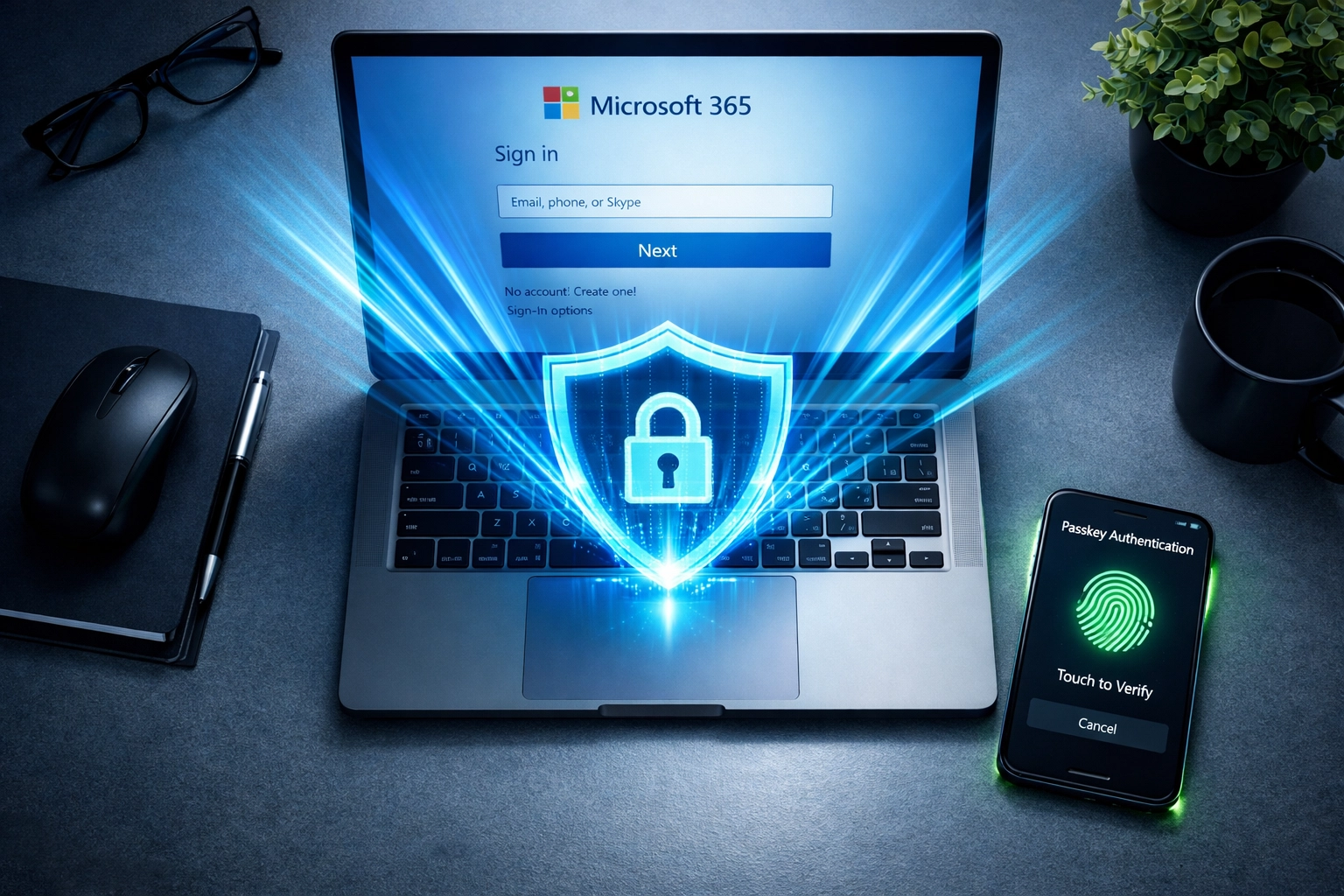
What Are Passkeys, and Why Should You Care?
Think of a passkey as a digital key that lives on your device: your phone, laptop, or security key. Unlike passwords, which you type in and can be intercepted, passkeys use cryptographic authentication. That means they're mathematically tied to the specific website or app you're logging into. You can't accidentally give your passkey to a fake site, even if it looks exactly like the real thing.
Here's the simple breakdown:
Passwords = Something you know (and forget, and reuse, and write down)
Passkeys = Something you have (stored securely on your device, impossible to phish)
Passkeys are phishing-resistant by design. They eliminate the risk of credential theft entirely because there's no password database to hack. No password to intercept. No weak link.
And here's the kicker: passkey sign-ins succeed 98% of the time, compared to just 32% for passwords. That's not just more secure: it's a better experience for everyone on your team.
Speed Matters: 8 Seconds vs. 24 Seconds
Let's talk efficiency. In the military, we say "time is a weapon." In business? Time is money.
When you use a traditional password with MFA, the average login takes about 24 seconds. You type in your username, fumble with your password, wait for the text message code, type that in, and maybe get hit with a "wrong password" error because you forgot which variation you used for this account.
With passkeys, that same login takes 8 seconds. One tap. Face ID or fingerprint. Done. You're in.
That might not sound like a huge difference until you multiply it across your entire team, every single day. If you have 20 employees logging in just three times a day, you're saving 16 minutes per person per day. That's over 5 hours per week, per employee: time your team can spend actually working instead of wrestling with login screens.

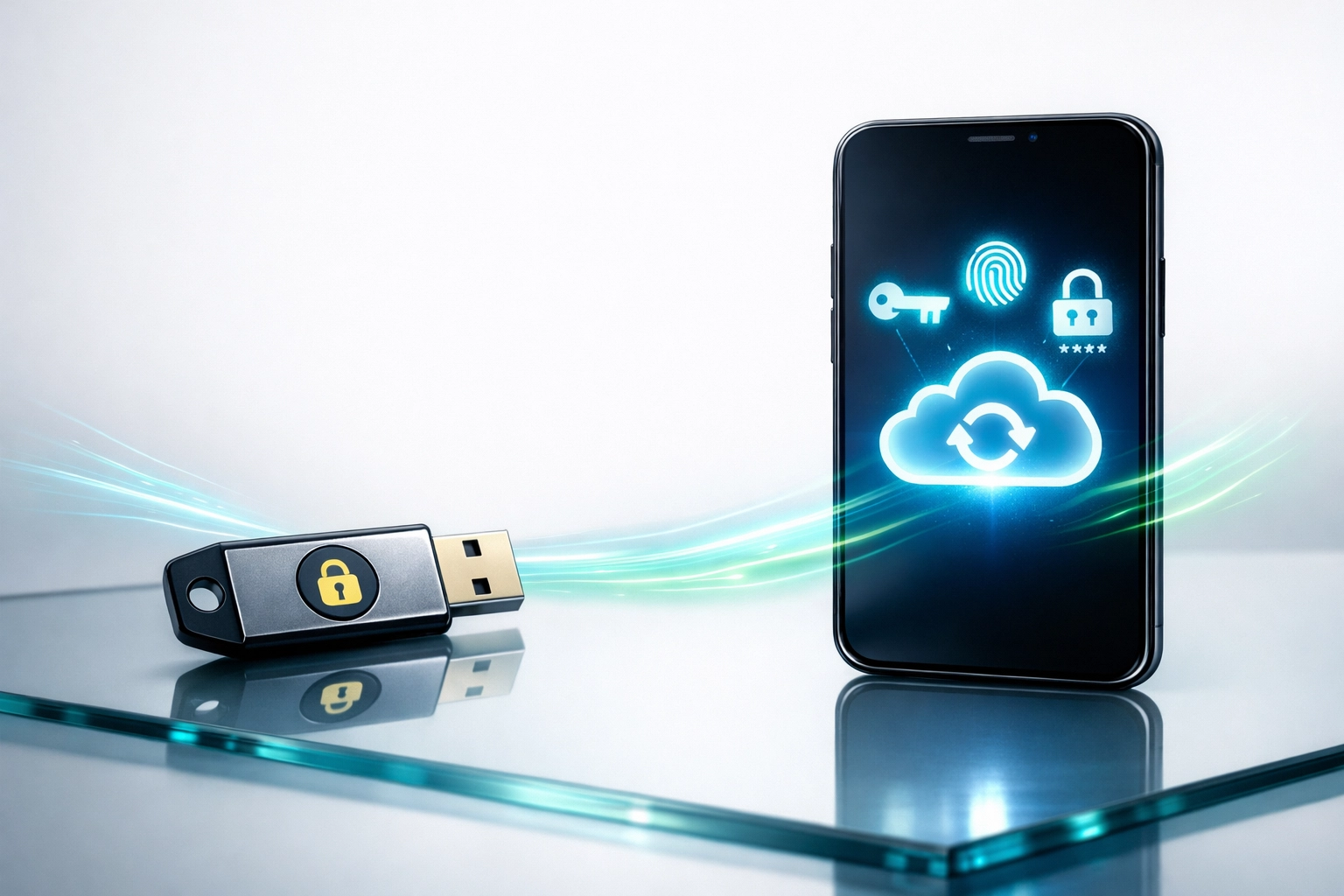
Device-Bound vs. Synced Passkeys: Which One Do You Need?
Not all passkeys are created equal, and Microsoft offers two main types depending on your security needs:
Synced Passkeys (Cloud-Synced, Recoverable)
These passkeys are backed up to the cloud (like iCloud Keychain or Google Password Manager) so you can access them across multiple devices. If you lose your phone, you can still log in from your laptop.
Best for: Most employees in standard business environments where convenience and productivity are priorities.
Device-Bound Passkeys (Hardware-Locked)
These passkeys live on a specific device: like a physical security key or a single phone: and can't be synced or transferred. They're the most secure option because they can be "attested," meaning the system can verify they came from a trusted hardware source.
Best for: High-privilege accounts (admins, executives, finance teams) or businesses in regulated industries like healthcare or legal.
For most Chicago SMBs, synced passkeys hit the sweet spot between security and usability. But if you're protecting sensitive client data or handling compliance requirements, device-bound passkeys should be on your radar.
Why Chicago SMBs Can't Afford to Ignore This
Look, we get it. You're running a business, not an IT lab. You've got payroll to meet, clients to serve, and a million things on your plate. The last thing you want to think about is another tech change.
But here's the reality: cyberattacks aren't slowing down, and they're targeting businesses just like yours. The "I'm too small to be a target" mindset? That's exactly what hackers are counting on.
At Vertex Tech Management, we've seen firsthand what happens when businesses put off security upgrades. A single phishing attack can lead to data breaches, ransomware, downtime, and costs that can cripple even healthy companies. And in a city like Chicago: where SMBs are the backbone of the economy: you can't afford to be the weak link.
Passkeys aren't just a "nice-to-have." They're a competitive advantage. They protect your team, streamline your workflow, and send a clear message to your clients: We take security seriously.
Military-Grade Reliability Meets Real-World Business
Here's something you should know about us: Vertex Tech Management is a veteran-owned business. That's not just a tagline: it's how we operate. Military precision, mission-focused execution, and an unwavering commitment to protecting what matters.
In the military, we didn't wait for problems to happen. We anticipated threats, trained for contingencies, and built systems that didn't fail when the stakes were high. That's the same mindset we bring to every client we serve.
When we talk about passkeys, MFA, and Microsoft 365 security, we're not pushing the latest trend. We're recommending battle-tested strategies that eliminate vulnerabilities before they become disasters. We believe in doing things right the first time: because in cybersecurity, you don't get a second chance.
And we know Chicago. We're not some faceless national chain that treats every city the same. We understand the unique challenges of running a business in this market, and we tailor our solutions to fit your needs, not a cookie-cutter template.
So, What's the Move?
If you're still running Microsoft 365 with password-only authentication: or even basic MFA: you're operating with outdated defenses in a battlefield that's evolving every single day. Passkeys are here, they're proven, and they're the future of secure authentication.
Here's what you need to do:
Audit your current Microsoft 365 security setup. Where are the gaps? Who still has password-only access?
Roll out passkeys strategically. Start with high-privilege accounts, then expand to your entire team.
Train your team. Passkeys are easy, but change always needs a little education and buy-in.
And if that sounds overwhelming, or you're not sure where to start? That's exactly what we're here for.
At Vertex Tech Management, we help Chicago businesses build security strategies that actually work: without the jargon, without the overwhelm, and without the guesswork. Whether you need a full security audit or just a casual conversation about where your tech stands, we've got you.
Let's talk. No pressure, no sales pitch: just honest advice from people who've been in the trenches and know what it takes to protect what you've built.
Ready to level up your Microsoft 365 security? Let's chat. Reach out to Vertex Tech Management today, and let's make sure your business is ready for 2026 and beyond.
Comments