⚠️ Windows 11 Update Warning: What Businesses Need to Know About KB5063878

September 15, 2025 | Vertex Tech Management
What's Happening
Microsoft's recent Windows 11 24H2 update (KB5063878) is causing serious headaches for businesses across Chicago and beyond. Released as a mandatory security update on August 12, 2025, this patch has triggered reports of some pretty scary issues:
❌ Data corruption and file loss ❌ SSD and HDD drive failures ❌ System crashes and blue screens ❌ Applications refusing to work properly
Here's the thing that makes this particularly frustrating: the problems don't happen to everyone. The update seems to create issues when your storage drives are more than 60% full and you're moving large amounts of data: think 50GB or more in one go. That might sound like a lot, but for businesses handling large files, databases, or even software installations, it's more common than you'd think.

The technical details are a bit complex, but essentially the update can make your storage drives appear as "RAW" format or disappear entirely from your system. Some Chicago business owners have reported drives vanishing from their computers completely: not exactly what you want to see on a busy Monday morning.
Why It Matters to Your Business
For small and medium businesses, this isn't just a tech inconvenience: it's a potential disaster waiting to happen. Let's break down what this could mean for your operation:
Financial Impact: Every hour of downtime costs money. Whether you're a law firm that can't access client files, an accounting practice during tax season, or a manufacturing company that can't run production software, system failures translate directly to lost revenue.
Client Trust: Nothing damages client relationships faster than telling them their project is delayed because your computer systems failed. In competitive markets like Chicago's business landscape, reputation is everything.
Compliance Risks: Many industries have strict data retention and security requirements. Unexpected data loss could put you at risk of regulatory violations, which come with their own set of costly consequences.
Productivity Drain: Even if you recover from the immediate problem, the time spent troubleshooting, restoring backups, and getting systems running again adds up quickly.
This update issue highlights something we see constantly in our work with Chicago businesses: the difference between reactive and proactive IT management can make or break your operations when problems arise.
The Fix (If You've Already Installed It)
If your system has already pulled KB5063878 and you're experiencing issues, here's how to remove it:
Step 1: Click the Start button and go to Settings Step 2: Navigate to Windows Update Step 3: Click on "Update History" Step 4: Look for KB5063878 in the list Step 5: Click "Uninstall" next to the update Step 6: Restart your computer when prompted
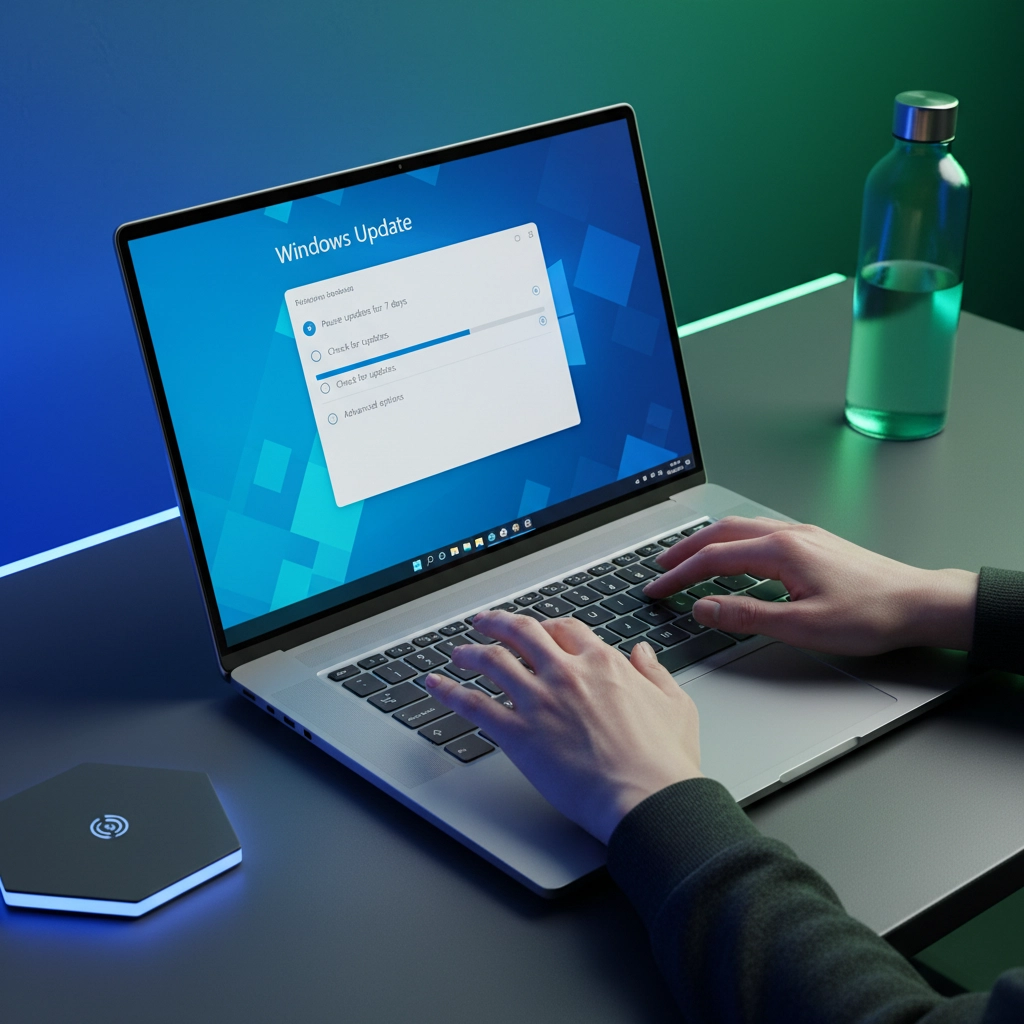
Important: Before making any changes, check your backup status. If you don't have recent backups, create them now before attempting the uninstall process.
If you haven't installed the update yet, you can pause Windows Updates for up to seven days through your Windows Update settings. This gives you time to assess whether your systems might be at risk or to ensure your backups are current.
The Bigger Picture: Update Strategy for SMBs
This KB5063878 situation perfectly illustrates a mistake we see in many Chicago small businesses: leaving Windows updates completely on autopilot. While automatic updates sound convenient (and Microsoft certainly pushes them as the default), they can create unexpected business risks.
Why Automatic Updates Can Be Risky for Business:
Updates sometimes contain bugs that can disrupt operations
New features might change workflows your team depends on
Security updates occasionally conflict with business software
Critical updates can't be easily reversed once deployed company-wide
A Smarter Approach:
Test First: Updates should be tested on a single machine or test environment before rolling out to your entire organization. This lets you catch problems before they affect productivity.
Stagger Deployments: Don't update every computer at once. Roll updates out gradually so if something goes wrong, you're not dealing with company-wide system failures.
Maintain Verified Backups: Regular, tested backups aren't just good practice: they're your lifeline when updates go wrong. Make sure you can actually restore from your backups and that they're recent enough to minimize data loss.
Partner with Professionals: A good managed service provider (MSP) monitors updates, tests them in controlled environments, and manages the deployment process to minimize business disruption.

How Vertex Tech Management Protects Chicago Businesses
At Vertex Tech Management, we've built our reputation on military-grade precision applied to everyday business IT challenges. When updates like KB5063878 create risks, our clients stay protected because we've implemented layered defense strategies.
Our Proactive Patch Management Process:
✔ 24/7 System Monitoring: We watch your systems continuously, catching problems before they become emergencies ✔ Update Testing: Every patch gets evaluated and tested in our controlled environment first ✔ Staged Rollouts: We deploy updates strategically to minimize business impact ✔ Reliable Backup Systems: Multiple backup layers ensure your data is always protected ✔ Rapid Response: When issues arise, our team is ready with tested solutions
Real-World Example: When KB5063878 first appeared, our monitoring systems flagged the potential storage corruption issue within hours. We immediately paused the update for all client systems, tested it in our lab environment, and developed deployment guidelines that protected our clients from data loss while maintaining security.
This is the kind of proactive approach that separates professional IT management from hoping everything works out.

Why Chicago Businesses Choose Our Veteran-Led Approach:
Our team applies military-trained discipline to IT operations. That means contingency planning, systematic problem-solving, and clear communication when technical issues arise. We don't just fix problems: we prevent them from happening in the first place.
Your Action Plan Moving Forward
The KB5063878 issue serves as an important reminder that not all updates are safe updates. Here's what Chicago business owners should do right now:
Immediate Steps:
Assess Your Risk: Check how full your storage drives are: systems over 60% capacity need extra caution
Verify Your Backups: Make sure you have recent, tested backups of critical business data
Review Update Settings: Consider whether automatic updates align with your business needs
Long-Term Strategy:
Implement a formal update management process
Establish regular backup verification procedures
Consider partnering with an MSP for proactive IT management
Create an incident response plan for when technical issues arise

The reality is that technology will continue to evolve, and updates will continue to occasionally cause problems. The businesses that thrive are the ones that prepare for these challenges rather than react to them.
Final Takeaway
The KB5063878 bug isn't just a Windows problem: it's a business continuity wake-up call. Companies that take a proactive, managed approach to IT avoid the costly downtime and data loss that can seriously damage operations.
Your business depends on technology to serve clients, manage operations, and stay competitive. When that technology fails unexpectedly, the consequences ripple through every aspect of your organization.
Ready to protect your Chicago business from the next "bad update"?
Don't wait for the next IT crisis to realize the importance of professional IT management. At Vertex Tech Management, we specialize in keeping Chicago small and medium businesses running smoothly, securely, and profitably.
Schedule your Free IT Health Check with Vertex Tech Management today. We'll assess your current systems, identify potential vulnerabilities, and show you exactly how proactive IT management can protect your business from unexpected technical disruptions.
Contact us now: because your business deserves better than crossing your fingers and hoping the next update doesn't break something important.
Comments